











 WEBFLOWJAVASCRIPTHTMLCSS
Player vidéo YouTube optimisé
La vidéo n'est chargée qu'au clic : une façade légère remplace l'iframe YouTube, et le chargement initial disparaît de ton rapport PageSpeed.
/ ÉTAPE 01
Copie-colle ce script dans le <body> de ta page
Ce code génère une façade pour ta vidéo et évite de charger la vidéo YouTube immédiatement. Il retire le chargement initial détecté par PageSpeed Insights et fait gagner considérablement en performance.
<script>
class YouTubeThumbnailLoader {
constructor(container, videoId, title = 'Vidéo') {
this.container = container;
this.videoId = videoId;
this.title = title;
this.loaded = false;
this.init();
}
init() {
// Créer la structure HTML
this.container.innerHTML = `
<div class="video-thumbnail loading-shimmer">
<div class="play-button" aria-label="Lire la vidéo ${this.title}"></div>
</div>
`;
this.thumbnail = this.container.querySelector('.video-thumbnail');
// Charger la thumbnail immédiatement
this.loadThumbnail();
// Ajouter l'événement de clic
this.container.addEventListener('click', () => this.loadVideo());
}
loadThumbnail() {
const img = new Image();
img.fetchPriority = 'high';
img.crossOrigin = 'anonymous';
img.src = `https://i.ytimg.com/vi/${this.videoId}/maxresdefault.jpg`;
img.onload = () => {
this.thumbnail.style.backgroundImage = `url(${img.src})`;
this.thumbnail.classList.remove('loading-shimmer');
this.thumbnail.classList.add('loaded');
};
img.onerror = () => {
// Fallback vers hqdefault
const fallbackImg = new Image();
fallbackImg.src = `https://i.ytimg.com/vi/${this.videoId}/hqdefault.jpg`;
fallbackImg.onload = () => {
this.thumbnail.style.backgroundImage = `url(${fallbackImg.src})`;
this.thumbnail.classList.remove('loading-shimmer');
this.thumbnail.classList.add('loaded');
};
};
}
loadVideo() {
if (this.loaded) return;
this.loaded = true;
// Créer l'iframe YouTube
const iframe = document.createElement('iframe');
iframe.className = 'video-iframe';
iframe.src = `https://www.youtube.com/embed/${this.videoId}?autoplay=1&rel=0&modestbranding=1`;
iframe.title = this.title;
iframe.allow = 'accelerometer; autoplay; clipboard-write; encrypted-media; gyroscope; picture-in-picture; web-share';
iframe.allowFullscreen = true;
iframe.style.width = '100%';
iframe.style.height = '100%';
iframe.style.border = 'none';
// Remplacer le thumbnail par l'iframe
this.container.innerHTML = '';
this.container.appendChild(iframe);
}
}
// Auto-initialisation
document.addEventListener('DOMContentLoaded', function() {
const videoContainers = document.querySelectorAll('[data-youtube-id]');
videoContainers.forEach((container, index) => {
const videoId = container.getAttribute('data-youtube-id');
const title = container.getAttribute('data-video-title') || `Vidéo ${index + 1}`;
if (videoId) {
new YouTubeThumbnailLoader(container, videoId, title);
}
});
});
</script>/ ÉTAPE 02
Ajoute ce HTML dans un bloc de code "embed code"
Ce code affiche la vidéo YouTube où tu le souhaites, avec un style personnalisé et responsive.
<!-- APRÈS (optimisé) -->
<div class="video-container"
data-youtube-id="ID DE LA VIDÉO YOUTUBE"
data-video-title="TITRE DE LA VIDÉO">
</div>
<style>
.video-container {
position: relative;
width: 100%;
height: 0;
padding-bottom: 56.25%; /* 16:9 ratio */
background: #f0f0f0; /* Couleur de base pendant chargement */
cursor: pointer;
overflow: hidden;
border-radius: 8px;
}
.video-thumbnail {
position: absolute;
top: 0;
left: 0;
width: 100%;
height: 100%;
background-size: cover;
background-position: center;
background-color: #e0e0e0; /* Gris pendant chargement */
transition: transform 0.3s ease;
}
.video-thumbnail.loaded {
background-color: transparent;
}
.video-thumbnail:hover {
transform: scale(1.05);
}
.play-button {
position: absolute;
top: 50%;
left: 50%;
transform: translate(-50%, -50%);
width: 80px;
height: 80px;
background: rgba(255, 0, 0, 0.9);
border-radius: 50%;
display: flex;
align-items: center;
justify-content: center;
transition: all 0.3s ease;
box-shadow: 0 4px 20px rgba(0,0,0,0.3);
z-index: 2;
}
.play-button:hover {
background: #ff0000;
transform: translate(-50%, -50%) scale(1.1);
}
.play-button::after {
content: '';
width: 0;
height: 0;
border-left: 20px solid white;
border-top: 12px solid transparent;
border-bottom: 12px solid transparent;
margin-left: 4px;
}
.video-iframe {
position: absolute;
top: 0;
left: 0;
width: 100%;
height: 100%;
border: none;
}
/* Loading animation */
.loading-shimmer {
background: linear-gradient(90deg, #f0f0f0 25%, #e0e0e0 50%, #f0f0f0 75%);
background-size: 200% 100%;
animation: shimmer 2s infinite;
}
@keyframes shimmer {
0% { background-position: -200% 0; }
100% { background-position: 200% 0; }
}
</style>/ ÉTAPE 03
Ajoute ta propre vidéo
Il ne reste plus qu'à changer l'ID et le titre de ta vidéo.
/ OÙ LE COLLER
Dans Webflow, Paramètres › Custom code
CUSTOM CODE
PARAMÈTRES DU PROJET
Head code
Footer code
Les codes personnalisés ne s'appliquent qu'après publication.
Footer code, jamais Head
Le script doit s'exécuter après le contenu de la page. Dans le Head, il ne trouverait rien à animer.
Une seule fois pour tout le site
Il se pose au niveau du projet, pas page par page. Les blocs le trouvent tout seuls.
Publier pour activer
Tant que le site n'est pas publié, le code personnalisé ne tourne pas, même en aperçu.
/ LES OPTIONS
Tout se pilote par classe
et par attribut.
ATTRIBUT
TYPE
RÔLE
data-youtube-id
identifiant
L'ID de la vidéo YouTube à charger au clic.
data-video-title
texte
Le titre affiché sur la façade, repris comme libellé accessible.
.video-container
classe
Le bloc qui porte les deux attributs et reçoit la façade.
.video-thumbnail
classe
La miniature YouTube, chargée à la place de l'iframe.
/ DANS LA MÊME FAMILLE
Les autres
scripts Webflow.
/ PLUS DE SCRIPTS
Continue à équiper
tes projets.
 SCRIPTHTML · CSSTableau comparatif dans un rich textUn tableau comparatif dynamique injecté dans le corps de tes articles.GRATUIT · 4,5 KO · 3 ÉTAPES
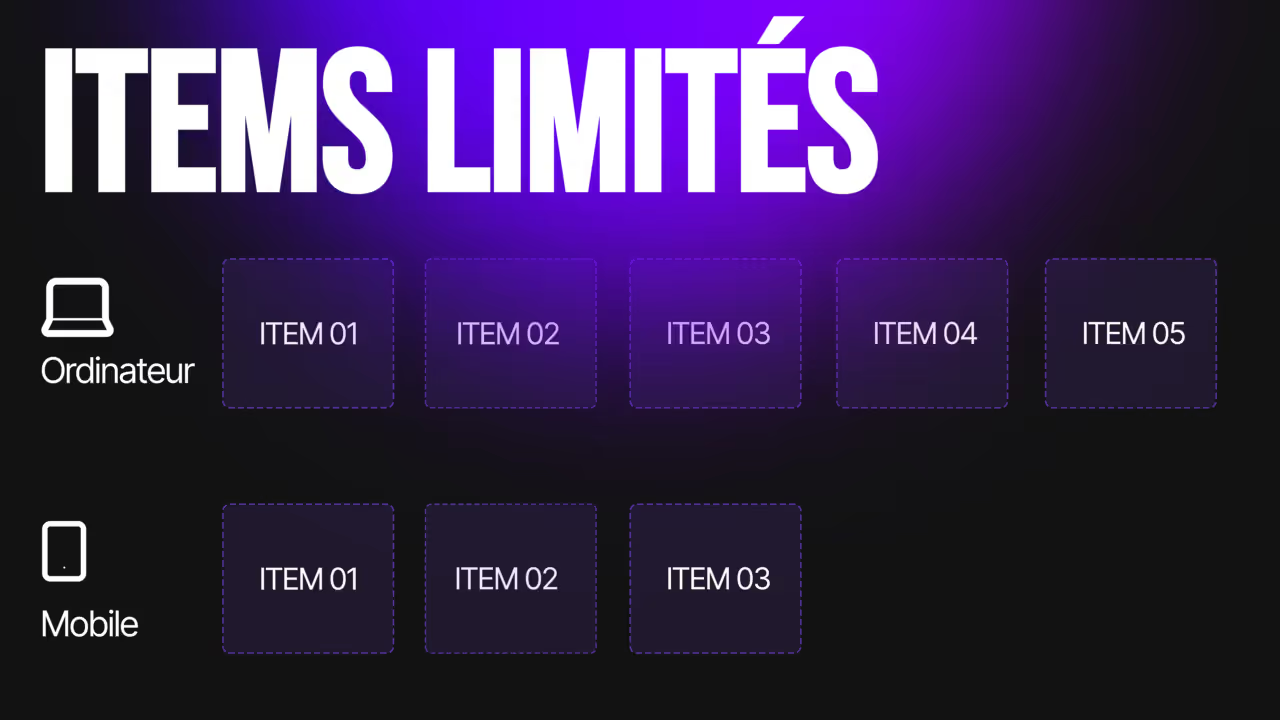 SCRIPTJAVASCRIPTLimiter les items par breakpointAjuste le nombre d'items affichés dans une liste de collection, selon l'écran.GRATUIT · 0,8 KO · 2 ÉTAPES
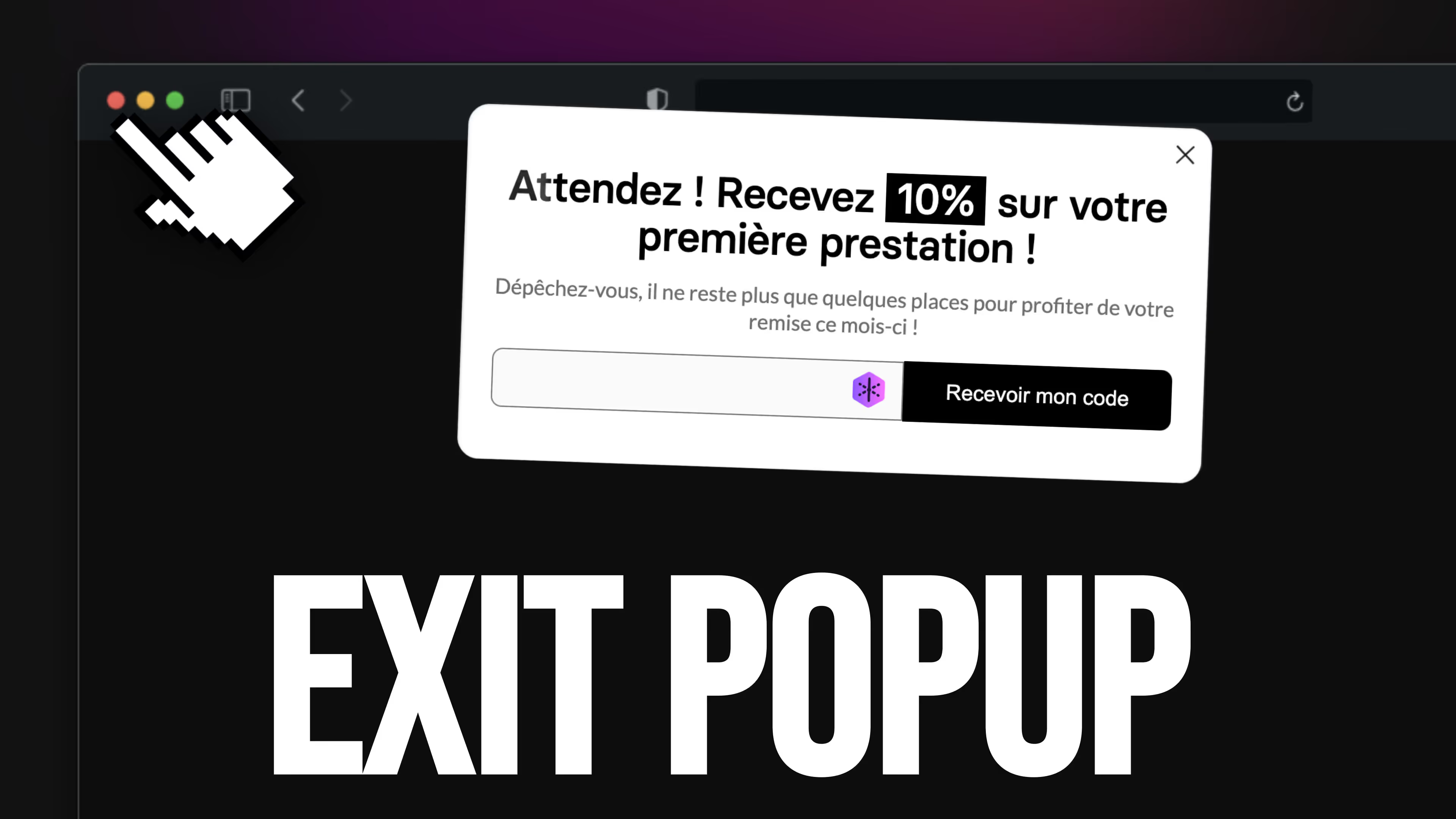 SCRIPTJAVASCRIPTExit popupAffiche une popup au moment précis où le visiteur s'apprête à quitter la page.GRATUIT · 5,2 KO · 2 ÉTAPES